
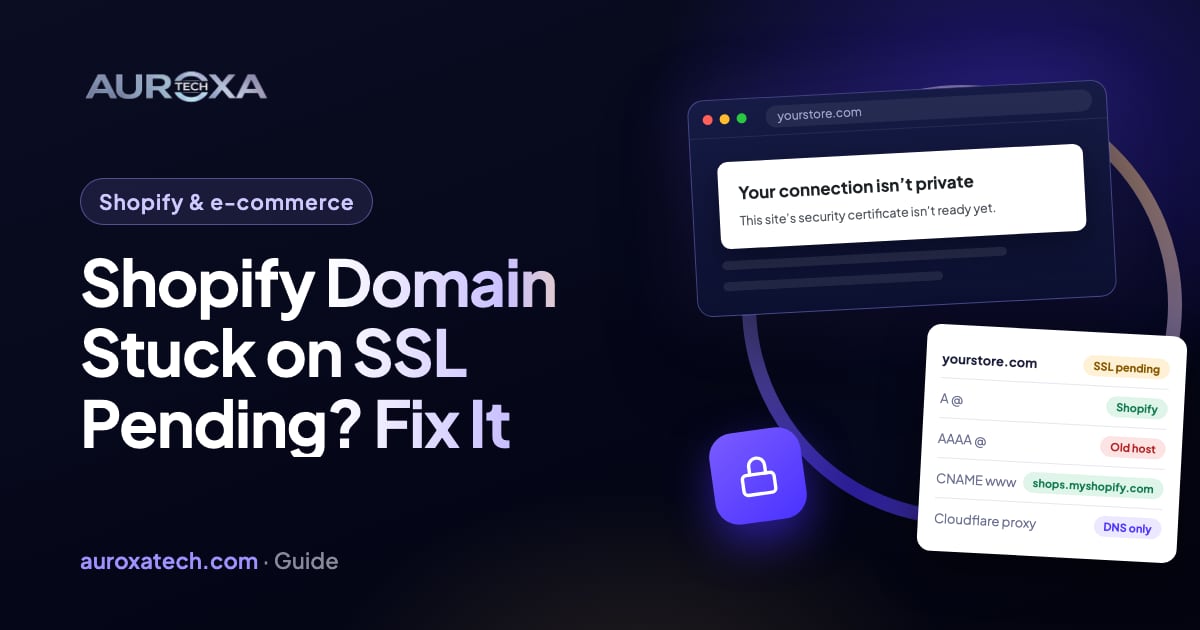
Shopify issues a free SSL certificate once your domain points at Shopify, which can take up to 48 hours; until then the admin shows “SSL pending”, and if issuing fails it shows “SSL unavailable”. When it stays stuck, the cause is almost always in the domain’s DNS: an old A or AAAA record still pointing at the previous host, a missing www CNAME, a Cloudflare proxy, a CAA record that blocks Shopify’s certificate authorities, or DNSSEC left on. The order that works: check the records against Shopify’s values, remove the extras, fix CAA and DNSSEC, make all changes at once, wait 48 hours without touching anything, then contact Shopify Support. You can’t install your own certificate instead.
Why a Shopify domain gets stuck on SSL pending
It usually happens right after a launch or a move. In a January 2024 Shopify Community thread, a store was still on “SSL pending” four days after a third-party domain was connected, and the owner said the store looked broken. Other threads describe the same thing after a transfer from Squarespace, a transfer from Hostinger and a move from one Shopify store to another. While it lasts, visitors get a security warning or no store at all, and paid traffic lands on an error.
Shopify’s page on secure connections explains the process. Certificates are free for every domain added to Shopify, and after you change the A and CNAME records to point at Shopify it can take up to 48 hours for the certificate to be issued. During that time the admin may show “SSL pending”. If issuing has failed after 48 hours, it shows “SSL unavailable”. It worked when the domain’s status reads Connected on the Domains page and a padlock shows next to the store address.
The certificate authority has to check that the domain really points at Shopify before it issues anything. Shopify’s troubleshooting page names what gets in the way: incorrect DNS records, CAA records that block the certificate authorities Shopify uses, DNSSEC, a wildcard record and a Cloudflare proxy. The same page warns that more DNS changes during the waiting period can reset the timer, which is why many stores stay pending for a week: each fix restarts the clock.
| What you see | Likely cause | Fix (step n) |
|---|---|---|
| Pending for less than 48 hours | Normal issuing time | Wait without changing DNS (step 1) |
| Pending for days, store sometimes shows the old site | Old A or AAAA record still there | Keep only Shopify’s records (steps 2 and 3) |
| Root works, www doesn’t (or the reverse) | Missing or wrong www CNAME | Point www at shops.myshopify.com (step 3) |
| Domain uses Cloudflare | Proxy (orange cloud) on Shopify records | Set them to DNS only (step 4) |
| SSL unavailable after 48 hours | CAA record blocks Shopify’s authorities, or DNSSEC | Fix CAA and DNSSEC (steps 5 and 6) |
| All records correct for 48 hours, still pending | Something only Shopify can see | Contact Shopify Support (step 8) |
Before you change anything
- Note the time of your last DNS change. Shopify counts 48 hours from the last change, not the first one. If you edited records this morning, the clock started this morning.
- Find where the DNS is managed. It is often not where you bought the domain. Look up the domain’s nameservers; the records live with whoever those nameservers belong to (the registrar, Cloudflare, the old host or a website builder).
- Take a screenshot of every record. Email (MX, SPF, DKIM) and other services use the same DNS zone. Only change the records that point the website somewhere.
- Don’t buy or upload a certificate. Shopify says you can’t use third-party SSL certificates; it issues its own.
- Don’t switch the primary domain yet. Shopify’s page on changing the primary domain says to do it only once the domain shows Connected.
How to fix it, step by step
Step 1: Check how long it has really been
If the last DNS change was less than 48 hours ago, the right move is to check the records once (steps 2 and 3) and then leave them alone. In an October 2024 thread a reply pointed out that pending is normal for a newly connected domain and should clear within 48 hours. Shopify’s connection guide says DNS changes usually spread within two hours but can take up to two days.
Step 2: Look at what the internet sees
Shopify’s troubleshooting page suggests checking the records with a public lookup tool such as whatsmydns.net or dnschecker.org. Look up the A record and the AAAA record for the bare domain (yourstore.com) and the CNAME record for www. You are looking for two things: values that differ from Shopify’s, and more than one value where there should be one. The troubleshooting page says that with several A or AAAA records, browsers pick one at random, so the store can half work while the certificate fails.
Step 3: Keep only Shopify’s records
Shopify’s manual connection guide lists the values. The A record for the bare domain (host @) points to 23.227.38.65. The AAAA record points to 2620:0127:f00f:5:: (if your provider rejects the short form, it accepts the long form shown in the guide). The www CNAME points to shops.myshopify.com. Delete every other A and AAAA record on the bare domain, keep a single www CNAME, and leave the TTL at the default. Shopify says some regional variants of the A address, such as one ending in .32, are also valid, so don’t replace one Shopify address with another.
An old AAAA record is a likely culprit when the A record looks right. Many hosts add an IPv6 record automatically, and it keeps sending some visitors and some certificate checks to the old server. The troubleshooting page also says there must be no wildcard record (an asterisk) pointing at Shopify.
Step 4: Turn off the Cloudflare proxy
If the domain’s DNS is on Cloudflare, Shopify’s Cloudflare guide says to set every record that points to Shopify to “DNS only” (grey cloud), because proxy setups, including what Cloudflare calls Orange-to-Orange, aren’t supported. The troubleshooting page says the proxy can block the checks the certificate authority makes, and that once the records show DNS only, the error might clear within 24 hours. Delete any wildcard record pointing at Shopify while you are there.
Step 5: Check the CAA records
A CAA record lists which certificate authorities may issue certificates for your domain. Shopify says you don’t need one, but if your domain has any, they must allow the authorities Shopify uses: letsencrypt.org, pki.goog and ssl.com. Look up the domain’s CAA records with the same lookup tool. If there are none, nothing blocks Shopify. If there are some, add issue records for the three authorities. Let’s Encrypt’s CAA documentation explains that several CAA records add up, so adding Shopify’s authorities doesn’t remove the ones you already have, and that CAA checks follow CNAMEs. Shopify’s troubleshooting page warns that a CAA value of only a semicolon blocks every authority.
Step 6: Deal with DNSSEC
DNSSEC signs your DNS records. If it was set up at the old host and the records moved, the signatures can break, and certificate checks fail. Shopify’s troubleshooting page lists a broken DNSSEC setup as a cause of “SSL unavailable” and says the standard fix is to turn it off, which can itself take up to 48 hours to spread. Let’s Encrypt notes that a failed CAA lookup most often means a DNSSEC validation failure. On Cloudflare, DNSSEC can be split between Cloudflare and the registrar, and Shopify warns that turning it off in the wrong order can stop the domain from resolving, so follow your provider’s steps.
Step 7: Make the changes once, then wait 48 hours
Do steps 3 to 6 in one sitting, check the result with the lookup tool, and then stop. Shopify’s FAQ says to avoid more DNS changes during the propagation period because they can reset the timer, and a Shopify reply in the January 2024 thread said any DNS change can make the certificate need another 48 hours. The domain may load over plain http before the certificate arrives; that is a sign the records are right.
Step 8: Contact Shopify Support with the evidence
If it is still pending 48 hours after your last change and the records match, contact Shopify Support through the Help Center. Include the domain, the time of your last change and screenshots of the lookups. Shopify notes that its Support team can’t see your third-party provider’s settings, so the screenshots matter. In the January 2024 thread, the records were correct and untouched for two to three days, and the owner reported that Shopify fixed it by resetting something on its side after a live chat. That is not something a store owner can do, which is why waiting longer doesn’t help once the records are right.
Once the domain shows Connected, set it as the primary domain if it isn’t already. Shopify says the old primary domain then becomes a redirect, so visitors to it reach the new one.
What these steps can’t do
- They can’t make the certificate arrive faster than the provider’s DNS and Shopify’s issuing allow. Up to 48 hours after the last change is normal.
- They can’t let you use a certificate from another provider. Shopify only uses the certificates it issues.
- They can’t fix a registrar or old host that refuses to release the domain. A Squarespace thread shows the old provider pointing the owner back to the “website host”; you need access to whoever runs the DNS.
- They don’t cover very old devices. Shopify lists Android 7.0 and older and browsers from before 2010 as a separate cause of certificate warnings.
While you wait, keep email working: don’t delete MX, SPF or DKIM records when you clean up the web records. If your order emails also have problems after a domain move, the Shopify emails going to spam guide covers sender authentication, and a 5-minute checkout test is worth running once the padlock is back.
Our Shopify and e-commerce team connects domains, moves stores between platforms and checks DNS before a launch. If your domain has been pending for more than two days, send us the domain and where its DNS is managed.
Frequently asked questions
How long does SSL pending take on Shopify?
Shopify says it can take up to 48 hours for the certificate to be issued after you point the A and CNAME records at Shopify. The 48 hours count from your last DNS change, so each new change can restart the wait.
What is the difference between SSL pending and SSL unavailable?
Pending means Shopify is still waiting to issue the certificate, which is normal for up to 48 hours. Unavailable means issuing failed, usually because of incorrect DNS records, a CAA record that blocks Shopify’s certificate authorities, or DNSSEC.
Which DNS records does Shopify need?
One A record for the bare domain pointing to 23.227.38.65, one AAAA record pointing to 2620:0127:f00f:5::, and a www CNAME pointing to shops.myshopify.com. Other A and AAAA records on the bare domain should be deleted.
Can I install my own SSL certificate on Shopify?
No. Shopify issues free certificates for every domain added to a store and says third-party SSL certificates can’t be used. Buying one from your registrar doesn’t fix SSL pending.
Does Cloudflare cause SSL pending on Shopify?
It can. Shopify doesn’t support Cloudflare’s proxy on records that point to Shopify, and the proxy can block the checks needed to issue the certificate. Set those records to DNS only and the error might clear within 24 hours.
Sources
- Shopify Help Center: Enabling secure connections
- Shopify Help Center: Connecting a third-party domain manually
- Shopify Help Center: Troubleshooting issues with domains
- Shopify Help Center: Connecting a domain on Cloudflare
- Shopify Help Center: Changing the primary domain
- Let’s Encrypt: Certificate Authority Authorization (CAA)
- Shopify Community (community): store still SSL pending 4 days after adding a domain (Jan 2024)
- Shopify Community (community): SSL still pending after correct changes (2024)
- Shopify Community (community): SSL pending after domain transfer (Apr 2024)
- Shopify Community (community): SSL pending error (Oct 2024)
- Shopify Community (community): domain not updated, SSL pending (Dec 2024)