
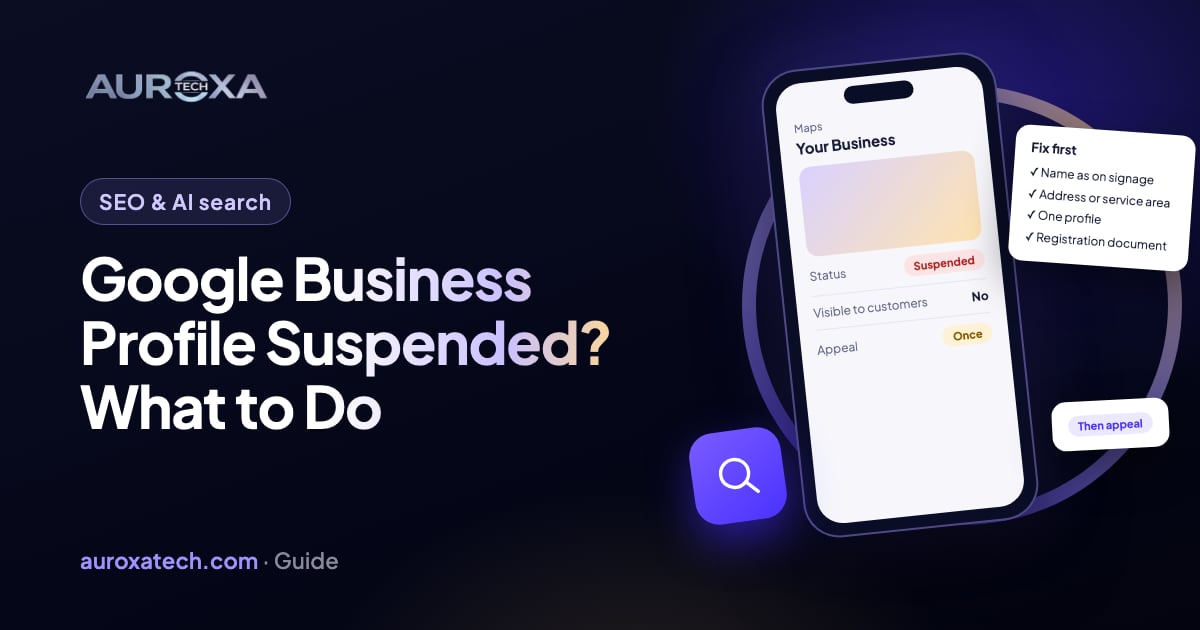
Google suspends a Business Profile when it believes the listing or the account behind it breaks the Business Profile guidelines: a name padded with keywords, an address that isn’t a staffed location, a visible home address on a business that travels to customers, a duplicate listing, or a problem with one of the accounts that manage it. Google says appeals can only be submitted once, so the order matters: work out whether the profile or the whole account is affected, read the decision, fix the listing against the guidelines, gather documents whose name and address match the profile exactly, then appeal with those documents. Do not create a new profile for the same business.
What a suspension means
Google’s help page on suspended or disabled profiles says Google may suspend or disable Business Profiles that don’t follow its guidelines. While a profile is removed, the public can’t see it on Search or Maps, and the owner and managers can’t act on it. Your reviews, photos and posts are not deleted; they come back if the profile is reinstated.
There are two levels, and the first job is to find out which one you are dealing with:
| Level | What Google says happens | What to do first |
|---|---|---|
| Profile removed | That one profile is hidden; owners and managers can ask for it to be reinstated | Fix the listing, then appeal that profile |
| Owner’s or manager’s Google Account suspended | Removing an owner’s account removes every location they own; a manager loses access but the locations stay | Appeal the account; reinstating it restores the locations |
| Account restricted | Every profile the account manages is suspended and the account can’t create or claim new ones | Lift the account restriction first, then appeal the profiles |
The page carries one warning in bold: “Do not create a new Business Profile for the same business.” A new listing for a suspended business is a duplicate, which is itself a violation, and it makes the original harder to reinstate. You may also see the terms “hard” and “soft” suspension in forums; they are community shorthand, not Google’s, and the appeal process is the same.
Why profiles get suspended
Google doesn’t publish its triggers, and the suspension email often names only the policy area. The Business Profile guidelines are the rulebook, and most suspensions discussed in local-search forums trace back to one of these:
| Guideline | Common way it is broken | Fix before you appeal |
|---|---|---|
| Name matches the real-world name | Keywords, a tagline, a city, a phone number or “24/7” added to the name | Use the name on your signage and registration, nothing more |
| Address is a staffed location customers can visit | A P.O. box, a virtual office, a co-working desk with no signage, or a home with no staff presence | Use the real premises, or switch to a service area (next row) |
| Businesses that travel to customers hide their address | A plumber, cleaner or home-based tutor showing a home address | Clear the address, set the service area, keep the profile |
| One profile per location | A second listing made after the first was lost, or one per service | Remove or merge duplicates, including ones under other accounts |
| Phone and website belong to the business | A call-tracking number not under your control, or a URL that redirects elsewhere | Use your own number and your own website address |
| As few categories as possible | Eight categories to cover every service | Keep the main category and the few that describe what you do |
| Accounts that manage the profile follow the rules | An agency or ex-employee account that was itself suspended | Review who has access, remove anyone you don’t know |
The service-area rule catches the most honest businesses. In a Local Search Forum thread from 2022, a home-based cooking-class business had its home address visible on the profile with no signage; experienced members advised removing the address and keeping the service area, which still qualifies under the guidelines. Reports gathered from Reddit by SocialPilot describe the same pattern, plus account-wide suspensions that took every profile under one Gmail account offline; treat those as second-hand.
Before you appeal
- Open the appeals tool and read the decision. Google’s help page says it shows the date, the reason, the policy it links to, whether the decision can be appealed and its status. Screenshot it.
- Don’t submit anything yet. Google says appeals can only be submitted once. A denied appeal can get an additional review through a contact form, but only with evidence that wasn’t in the original.
- Gather the documents Google lists as evidence: official business registration, a business license, tax certificates, or utility bills for the business address (electricity, phone, water or internet). The name and address on each must match the profile exactly. Add a dated photo of your signage if you have premises.
- List who has access to the profile: owners, managers, agencies and past staff.
How to get the profile reinstated, step by step
Step 1: Confirm the level
Sign in with the account that owns the profile and check whether you can still see your other profiles and create a new one. If you can’t, the account is restricted and Google’s page says you must lift that first; appealing the profile alone won’t work.
Step 2: Fix the listing against the guidelines
Go through the table above line by line and correct the profile. Make the name identical to your registration documents. If you serve customers at their locations, clear the address and set a service area. Remove categories you added “just in case”. Replace tracking numbers with your own line. Make the website link point at your own site with no redirect. Do this before the appeal, because the reviewer looks at the profile as it is when they read your appeal.
Step 3: Remove duplicates
Search Maps for your business name and phone number. If a second profile exists, whether you created it, an old agency did, or Google generated it from public data, deal with it: claim and remove it, or report it as a duplicate. Two live listings for one location will not pass review.
Step 4: Clean up access
Remove managers you don’t recognise and any agency you no longer work with. Account-level problems travel to every profile they touch, and several of the Reddit reports summarised by SocialPilot mention that cleaning up access was part of the resolution.
Step 5: Submit the appeal, once, with evidence
Follow the steps on Google’s page: open the appeals tool, confirm the account, select the profile and the decision, then upload your documents and write a short, factual explanation of what the business is, where it operates and what you changed. Keep the tone plain. Tick the readiness box and submit. Google emails the decision; it doesn’t publish how long that takes.
Step 6: Wait without editing
Leave the profile alone while the appeal is open. Edits during a review give the reviewer a moving target and can look like you are hiding something. Keep the confirmation email and the case ID; in the 2022 forum thread above, members advised replying to Google’s own email for an update after a week and contacting support with the case ID if nothing comes back.
Step 7: If the appeal is denied
Google’s page allows an additional review only for a denied appeal and only with new evidence. That means a document you didn’t include, a photo of signage, a lease, or proof that a duplicate has been removed. Resending the same material won’t change the outcome. If you genuinely have nothing new, the honest answer is that the business may not be eligible for a profile as listed, for example a virtual office with no staff, and the fix is a real location or a service-area profile.
Step 8: If it is reinstated and then suspended again
This happens. In a Local Search Forum thread from November 2022, an owner was reinstated after a month, suspended again six days later without touching the profile, reinstated within two days after replying to the original reinstatement email, then suspended a third time. The members’ reading was that something in the listing was tripping an automated flag. If it happens to you, reply to the reinstatement email rather than starting over, and re-check the name, address and categories for anything a system might read as a violation.
How long it takes
Google doesn’t publish a review time, and the community reports vary widely. In December 2022, forum members were seeing 24 to 72 hours, with one two-week case. The August 2022 case above was “escalated to our specialist team” after 19 days and still showed “In Progress” after 22 more. The Reddit reports collected by SocialPilot include a three-week wait. Plan for weeks, and treat days as good luck. Paid reinstatement services exist (the 2022 thread quotes $350 to $700); they follow the same one-appeal rule you do, so they help most when you’re unsure the business is eligible as listed, not as a way to skip the queue.
While you wait
- Make sure your website carries the business name, address or service area, phone and hours in text, so customers who search your name still find you.
- Keep your listings on Apple Business Connect, Bing Places and the directories your customers use consistent with the corrected profile.
- Tell regular customers how to reach you; many searched your name on Maps and will think you closed.
- Don’t buy reviews, don’t add keywords back to the name “because competitors do”, and don’t create a second profile. Each of those is a reason for the next suspension.
Our SEO service includes local listings, and a free website audit checks that your site carries the details a reinstated profile links to. If your profile is suspended now, get in touch with the decision screenshot and the documents you have.
Frequently asked questions
Can I just create a new Google Business Profile?
No. Google’s help page says in bold not to create a new profile for the same business. A new listing is a duplicate, which is a violation in itself, and it makes the original harder to reinstate.
How many times can I appeal?
Google says appeals can only be submitted once. If the appeal is denied, you can request an additional review through a contact form, but only with evidence that wasn’t in the original appeal.
What documents does Google accept?
Official business registration, a business license, tax certificates, and utility bills for the business (electricity, phone, water or internet). The name and address must match the profile exactly.
How long does reinstatement take?
Google doesn’t publish a time. Community reports range from 24 hours to several weeks, with some cases escalated to a specialist team and left “In Progress” for a month or more.
My business has no shop; can I still have a profile?
Yes, as a service-area business. Hide the address, set the areas you serve and keep the rest of the profile accurate. A visible home address is one of the most common reasons such profiles are suspended.
Sources
- Google Business Profile Help: Fix suspended or disabled profiles
- Google Business Profile Help: Guidelines for representing your business on Google
- Local Search Forum (community): Google Business Profile suspended again after reinstated just 6 days ago (Nov 2022)
- Local Search Forum (community): Reinstatement support wait time (Dec 2022)
- Local Search Forum (community): My two GMB listings have been suspended since 3rd August (Sep 2022)
- SocialPilot (second-hand summary of Reddit reports): Why Google Business Profiles get suspended