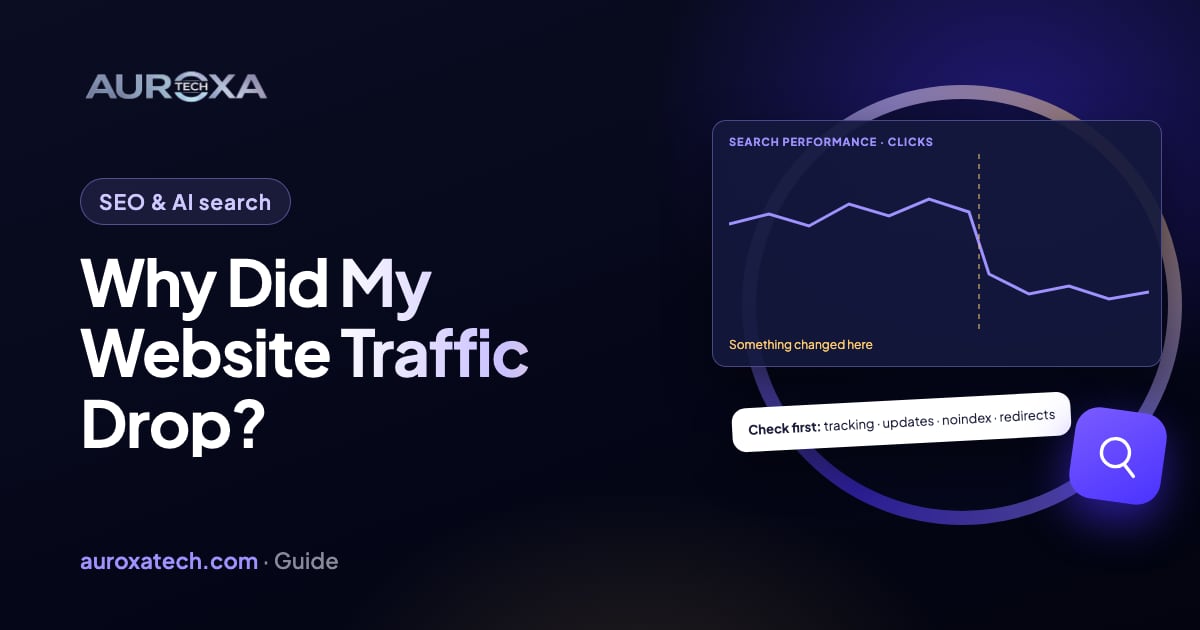
Most website traffic drops trace back to a few causes: broken tracking, seasonal demand, a Google algorithm update, a technical fault such as a stray noindex tag or missing redirects, a security or spam problem, or a change in how results are shown. Check the drop is real first, then use the Search Console Performance report to see whether it hit the whole site or a few pages, and match the dates against Google’s Search Status Dashboard before you change anything.
First, check the drop is real
When you ask “why did my website traffic drop?”, the first answer to rule out is that it didn’t: the visitors came, but your reports stopped counting them. Five quick checks:
- Compare two sources. Search Console counts clicks from Google Search results on Google’s side; your analytics counts the visits its tag records. If analytics fell but Search Console clicks held steady, suspect tracking before rankings.
- Look for tracking changes. A redesign, a new theme, a tag manager edit or a plugin update can drop the analytics tag from some or all pages. Open a few key pages and check the tag still loads.
- Check the cookie banner. A new or changed consent banner that holds analytics back until visitors accept will lower the visits you see without changing the visits you get.
- Ignore the last day or two. Google says the newest Search Console data can be preliminary and might still change, so judge the trend on complete days.
- Compare like with like. Compare the same weekdays, and the same weeks last year if you have the history. Google’s guide suggests choosing Last 16 months in the Performance report to make sure it’s not a drop that happens every year due to a festivity or a trend.
Google notes that a drop can also be a reporting glitch, related to a change in data processing or a logging error, and suggests checking the Search Console Data Anomalies page. For demand, it suggests Google Trends to see whether a drop is a wider trend or is just happening to your site.
What does the Search Console pattern tell you?
Google’s guide to debugging drops in Search traffic lists the main causes. Each one leaves a different pattern in your data:
| Cause | What it tends to look like | Where to check |
|---|---|---|
| Algorithm update | A large drop that starts during a known update | Google Search Status Dashboard; positions in the Performance report |
| Technical issue | Site-wide if the site was down or blocked; a slower drop for page-level faults such as a misplaced noindex tag | Page indexing report, Crawl stats report, URL Inspection tool |
| Security issue | Google may warn users before they reach your site, which may decrease traffic | Security issues report |
| Spam or manual action | Pages ranked lower or left out of results | Manual actions report |
| Seasonality or changing interest | The same dip at the same time last year, or a wider fall in demand | Last 16 months in the Performance report; Google Trends |
| Site move or redesign | Rankings move about while Google recrawls and reindexes changed URLs | Redirects, the Page indexing report |
Then narrow it down. Google suggests clicking through the tabs under the chart, such as queries, pages, countries and devices, to find out whether the change happened only for some of them. Two readings help most:
- Impressions and clicks both fell. You are appearing in fewer searches. Work through the causes in the table.
- Impressions held but clicks fell. Google says your page title and snippet may not be the best they could be, or other sites may have a more appealing rich result. That points to how your result looks in search rather than lost rankings.
Also note whether the drop hit the whole site or one section. A site-wide fall points at outages, blocks, security problems, manual actions or a broad update. A fall in one folder or one page type points at something that changed there. Reading this data before touching the site is the first step in our SEO audits.
Was it a Google update?
Google says that several times a year it makes significant, broad changes to its search algorithms and systems, called core updates, and that they don’t target specific sites or pages. Check the Google Search Status Dashboard and note the start and end dates of any recent ranking update. If your drop lines up with one:
- Wait at least a full week after the update completes, as Google recommends, then compare your data with the week before it began.
- For a small drop, such as from position 2 to 4, Google says there’s no need to take drastic action.
- For a sustained, large drop across the site, read Google’s self-assessment questions and judge the whole site, not single pages, on whether it is helpful, reliable and written for people.
- Expect it to take time. Google says it could take several months for its systems to recognize improvements, sometimes not until the next core update, and that there’s no guarantee changes will have a noticeable effect.
Which technical faults should I rule out?
Technical faults are worth checking early because they are often quick to fix, and they tend to follow a launch, a migration, a hosting change or a plugin update. Google’s guide suggests checking the Crawl stats and Page indexing reports for a spike in issues, then using URL Inspection on a few pages that lost traffic. The Page indexing report gives a reason for each page Google didn’t index. Look for these:
- Noindex tags. “URL marked ‘noindex’” on pages that should rank, for example left over from a staging site or switched on by a plugin or theme setting.
- robots.txt blocks. “URL blocked by robots.txt”, for example a rule meant for the staging site copied to the live one.
- Broken redirects after a redesign. Old URLs that now return “Not found (404)”, or show a redirect error. Every old URL that earned traffic should redirect one-to-one to its closest new page; our redesign vs rebuild guide covers the launch steps.
- Server errors. “Server error (5xx)” means your server returned an error when Google requested the page. Look at hosting outages, overloaded servers or firewall rules.
- Canonical problems. “Duplicate, Google chose different canonical than user” means Google picked another URL than the one you marked. Check that canonical tags on each template point to the page itself, not all to the home page.
If you find a fault but can’t trace what caused it, our website and app fixes team finds the cause, fixes it in a safe copy and then releases it to the live site.
Are AI answers taking my clicks?
Be careful with this one. Google’s page on AI features and your website says that sites appearing in AI Overviews and AI Mode are reported in the Performance report within the “Web” search type, so Search Console doesn’t show them separately. Google says it has seen that clicks from results pages with AI Overviews are higher quality, with users more likely to spend more time on the site, and that no special markup or optimization is needed to appear in these features. It doesn’t publish a figure for how many clicks they change.
What you can read in your own data is the pattern: impressions steady, clicks and click-through rate down, average position flat, mostly on question-style queries. That points to how results are shown rather than a ranking loss. Google suggests tracking conversions and time on site in a tool such as Google Analytics alongside Search Console, so judge these pages by the leads and sales they bring, not clicks alone. Our guide on getting cited in AI search covers what helps.
What to do next, step by step
- Note the date the drop started and whether clicks, impressions or both fell.
- Rule out tracking: compare analytics with Search Console, check the tag on key pages, and ask whether the cookie banner, theme or tag manager changed.
- Compare like with like: the last 16 months, year over year, and the same weekdays.
- Find where it happened: which pages, queries, countries and devices lost the most.
- Open the Manual actions, Security issues, Page indexing and Crawl stats reports, and inspect a few of the pages that dropped.
- Check the Search Status Dashboard for a ranking update on those dates.
- List every change to the site in the weeks before: redesign, migration, plugin or theme updates, robots.txt edits, hosting or domain changes.
- Fix technical faults first, then check the fixed pages with URL Inspection.
- If an update caused it, wait a full week after it completes, then improve the pages that lost most, for readers.
- Give it time. Google suggests waiting a few weeks before you analyze your site in Search Console again.
When to get help
- The drop followed a redesign or migration and you don’t have a full list of old URLs and redirects.
- Search Console shows a security issue or a manual action.
- Pages return server errors or redirect errors you can’t trace.
- The drop is site-wide, has lasted for weeks, and none of the checks above explains it.
Not sure where your traffic went? Send your URL for a free website audit. We check indexing, titles, broken links and redirects, and tell you what to fix first. For a full review of your Search Console data, see our SEO services.
Frequently asked questions
How long does it take to recover from a traffic drop?
It depends on the cause. A tracking fault is fixed as soon as the tag works again. A technical fault such as a stray noindex tag recovers as Google recrawls the fixed pages, and Google suggests waiting a few weeks before analyzing again. After a core update, Google says it can take several months for its systems to recognize improvements, and there’s no guarantee rankings return.
Was my site penalized by Google?
Check the Manual actions report in Search Console. Google issues a manual action when a human reviewer decides pages don’t comply with its spam policies, and it notifies you in that report and in the Search Console message center. If the report shows a green check mark, there is no manual action. A drop during a core update isn’t aimed at your site: Google says core updates don’t target specific sites.
Should I rewrite my content straight away?
Usually not. First rule out tracking, technical faults, security issues and manual actions, because rewriting won’t fix any of them. If a core update caused the drop, Google recommends waiting at least a week after it completes, then assessing the whole site, and it advises against radical changes to pages that already perform well. Improve the pages that lost the most, for readers, one at a time.
Does Search Console show AI Overview clicks separately?
No. Google says sites that appear in AI features such as AI Overviews and AI Mode are counted in the Performance report within the “Web” search type, together with the rest of your Search traffic. To judge their value, Google suggests also tracking conversions and time on site in a tool such as Google Analytics.
Sources
- Google Search Central: debugging drops in Google Search traffic
- Google Search Central: Google Search’s core updates
- Google Search Status Dashboard
- Search Console Help: Manual actions report
- Search Console Help: Page indexing report
- Search Console Help: Performance report (Search results)
- Google Search Central: AI features and your website