
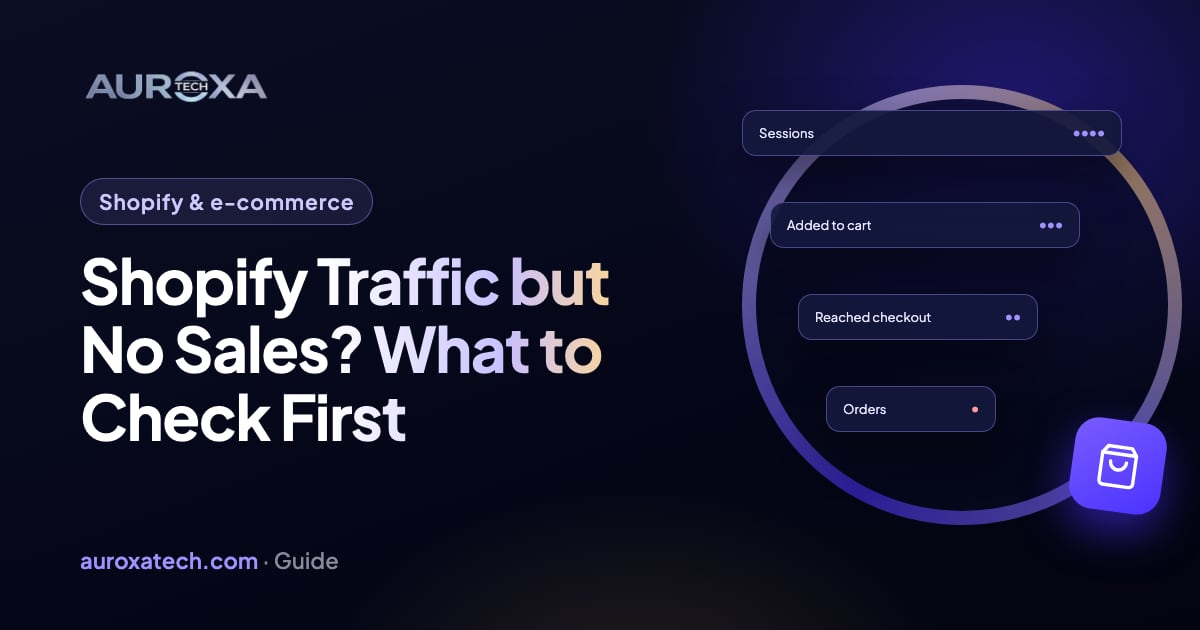
Work down the funnel in order: whether the visitors could buy at all, speed on mobile, product pages, costs and delivery, trust, and finally the checkout itself with a real test order. In Baymard Institute’s research, extra costs that appear too late are the most common reason shoppers abandon checkout, so check when shipping and taxes first show up.
Start with the numbers you already have
Shopify’s analytics show how many sessions add to cart, reach checkout and complete an order. The biggest drop between two steps tells you where to look first: few adds to cart point at traffic or product pages; carts that never reach checkout point at costs or trust; checkouts that never complete point at the checkout itself.
Also open your abandoned checkouts. Shopify lists a checkout as abandoned when it stays incomplete for more than 10 minutes after the customer enters an email, and a failed payment usually shows up there rather than as an order. A list of abandoned checkouts with payment attempts in their timeline is a strong hint that something in the checkout is failing.
1. Check the traffic itself
Before fixing the store, check who is arriving: which channel, country and device. Ads aimed at the wrong audience, a country you don’t ship to or bot traffic can all produce visits that were never going to buy. Baymard Institute found that 42% of US shoppers who abandoned a purchase were just browsing or not ready to buy, so some drop-off is normal.
2. Check speed on mobile
Most shoppers browse on phones. Shopify’s web performance reports show Largest Contentful Paint, Interaction to Next Paint and Cumulative Layout Shift from real visitors over the past 30 days. Apps are a common cause of slow pages: many load scripts on every page, and uninstalling an app doesn’t automatically remove the code it added to your theme, so check for leftovers too.
3. Check the product pages
- Photos that show the product clearly, including size and detail.
- Variants, sizes and stock that are easy to choose and never dead ends.
- A description that answers the questions people email you about.
- Reviews, a delivery estimate and the returns policy near the add-to-cart button.
4. Check costs and delivery
Baymard asks shoppers why they abandoned checkout. Leaving out those who were just browsing, the most common reasons were:
| Reason for abandoning checkout | Share of shoppers |
|---|---|
| Extra costs too high (shipping, tax, fees) | 40% |
| Delivery was too slow | 20% |
| Didn’t trust the site with card information | 19% |
| The site wanted me to create an account | 18% |
| Too long or complicated checkout | 17% |
| The website had errors or crashed | 17% |
| Returns policy wasn’t satisfactory | 13% |
| Couldn’t see or calculate the total cost up front | 12% |
Source: Baymard Institute, cart abandonment list (updated September 2025). Show shipping costs and delivery times on the product page or in the cart, not for the first time at checkout.
5. Check trust
- Contact details a shopper can see without hunting: email, and a phone number if you have one.
- Clear shipping, returns and privacy policies.
- Familiar payment options, such as Shop Pay, PayPal, Apple Pay and Google Pay where they are available.
- No broken images, placeholder text or apps that look like pop-up spam.
6. Test the checkout yourself
- Place a real test order on a phone and on a computer, with each payment method you offer.
- Try it in a normal browser and in one with an ad blocker: Shopify notes that ad blockers, privacy extensions and VPN plugins can block payment scripts.
- Check whether guest checkout is allowed; forcing an account loses buyers.
- Check that shipping rates exist for every region you sell to.
What to fix first
| If you see this | Look at | First fix |
|---|---|---|
| Few adds to cart | Traffic quality, speed, product pages | Pause poor traffic sources; fix the slowest templates |
| Carts but few checkouts | Costs, delivery, trust | Show shipping and delivery early; add policies near the button |
| Checkouts but few orders | Payment methods, errors, forced accounts | Test orders on each method; turn on guest checkout |
| Slow mobile pages | Apps and theme code | Remove unused apps and their leftover code |
Want someone to go through this for you? Our Shopify store audit covers every step above, and the first look is part of our free website audit.
Frequently asked questions
What is a normal cart abandonment rate?
Baymard Institute’s average across 50 studies is about 70%. Most of that is normal browsing, so compare your own rate over time and look for sudden changes rather than chasing a benchmark.
Should I spend more on ads to get sales?
Not until the store converts the visitors it already gets. More traffic into a leaking funnel raises costs without fixing the leak. Fix the biggest drop first, then scale the channels that bring buyers.
Can apps cause checkout problems?
They can slow pages and, in some cases, interfere with scripts that the checkout or payment steps need. Test the checkout after installing or removing apps, and remove code that uninstalled apps left in your theme.