
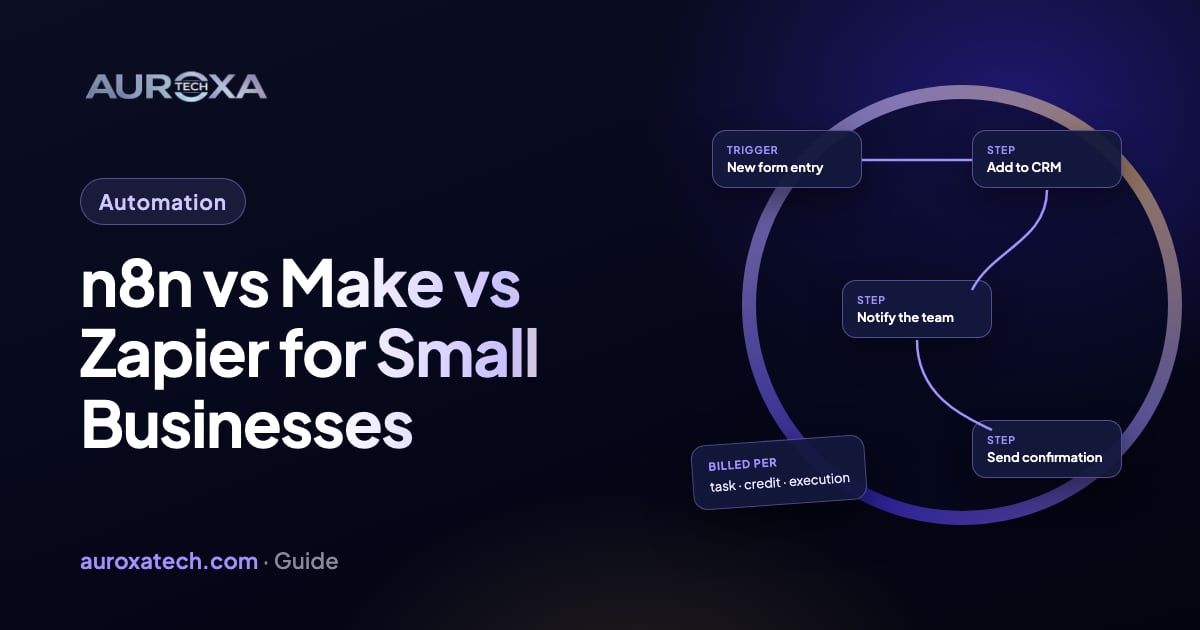
Use Zapier for quick connections between popular apps, Make for visual workflows with branches that non-developers will edit, and n8n for complex or AI-heavy workflows, or when data has to stay on your own server. They also count usage differently: Zapier per task, Make per credit and n8n per workflow run, which changes what a busy workflow costs.
The short answer
| Zapier | Make | n8n | |
|---|---|---|---|
| Best for | Quick connections between popular apps | Visual workflows with branches | Complex, multi-step and AI-heavy workflows |
| How usage is counted | Tasks: each successful action step | Credits: one per operation for most modules | Executions: one full run of a workflow |
| Free option | Free plan with 100 tasks a month | Free plan with 1,000 credits a month | Free self-hosted Community Edition; cloud plans start with a trial |
| Where it runs | Zapier’s cloud | Make’s cloud | n8n’s cloud, or your own server |
| Apps listed by the vendor | 9,000+ | 3,000+ | 500+, plus any service with an API through HTTP requests |
| AI agents | Zapier Agents, billed separately | Make AI Agents in the visual builder | AI Agent node with your chosen model and tools |
Figures as each vendor listed them in October 2026; plans and limits change, so check the pricing pages linked below before you decide.
Why the way usage is counted matters
Take a common workflow: a form is submitted, the contact is looked up in your CRM, the record is created or updated, your team gets a Slack alert and the lead gets an email. That is one trigger and four actions.
- Zapier counts each successful action as a task; the trigger, filters, paths and formatter steps don’t count. That is about 4 tasks per run.
- Make counts credits, one for each module that runs (AI modules can use more). That is about 5 credits per run. Make replaced operations with credits in August 2025, converting them one-to-one.
- n8n counts one execution per run, however many steps it has. Manual test runs and sub-workflows called by the main one don’t count.
At 1,000 leads a month that is roughly 4,000 Zapier tasks, 5,000 Make credits or 1,000 n8n executions. For long workflows with many steps, n8n’s model usually costs less; for a few short workflows, the free and entry plans of all three may be enough. Run a real test and read each tool’s own usage counter before you commit.
When to choose Zapier
- You need two or three popular apps connected this week, with no developer.
- Each workflow is short: a trigger and a few actions.
- The apps you use are already in Zapier’s catalogue, which is the largest of the three.
When to choose Make
- Workflows branch: different paths for different lead types, regions or order values.
- Someone on your team who isn’t a developer will maintain them and wants to see the whole flow on one screen.
- You want more steps per month for the money than Zapier’s task model gives a long workflow.
When to choose n8n
- Workflows are long, have custom logic or call APIs that no catalogue covers.
- Data must stay on infrastructure you control: n8n can be self-hosted on your own server or private cloud.
- You want AI steps, such as classifying messages or drafting replies, inside the workflow, with your choice of model.
- You run many executions a month and per-step pricing would add up.
One licensing detail: self-hosted n8n is published under its Sustainable Use License, which allows use for your own internal business purposes. An agency can build and run automations for you on your instance; reselling n8n as a hosted product for others to build on needs a commercial licence.
How we choose for clients
We pick the tool for the job and often combine them: n8n where many systems, custom logic or data residency are involved, Make for branching flows a non-developer will also edit, and Zapier for simple flows on apps it already supports. Every workflow we build gets error alerts and logs, so a failed step is fixed the same day instead of discovered weeks later. See our workflow automation service.
Questions to answer before you choose
- How many times a month will each workflow run, and how many steps does it have?
- Which apps must it connect, and do they have an API?
- Who will maintain it after it is built?
- Does any data have to stay on your own servers or in a particular country?
- What should happen when a step fails, and who gets alerted?
Frequently asked questions
Is n8n free?
The self-hosted Community Edition is free to run on your own server; you pay for the server and the time to maintain it. n8n’s cloud plans are paid, with a free trial. Both count usage in workflow executions.
Can I move my automations from Zapier to n8n or Make later?
Yes, but there is no one-click export between them; each workflow is rebuilt in the new tool. Moving makes sense when volume or complexity has outgrown your current plan. Rebuild and test the busiest workflows first.
Which tool is best for AI automation?
All three now offer AI agents. n8n gives the most control, with your own choice of model and tools inside a workflow, and can run on your server. Zapier and Make are quicker to start with if your apps are in their catalogues.