
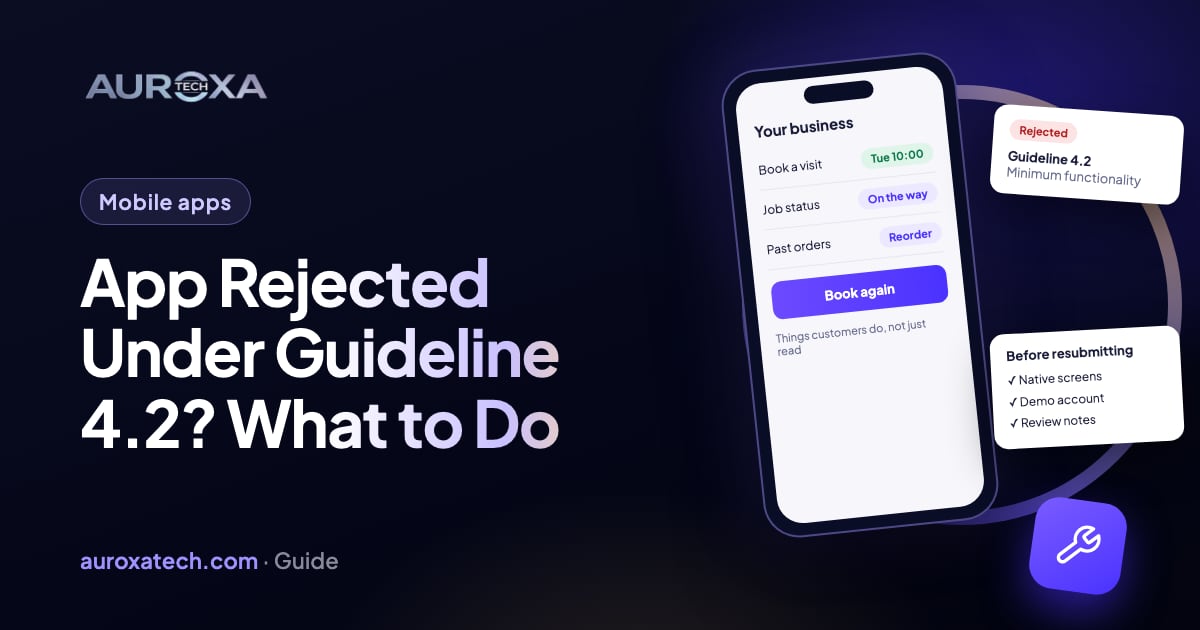
Guideline 4.2 rejects apps that Apple doesn’t see as useful, unique or “app-like”: most often a website in a wrapper, an app that only shows content available elsewhere, a marketing brochure or a template app. Read the exact rejection text first, because it tells you which part applies. Then ask App Review a specific question in App Store Connect, add functionality that only makes sense in an app and that reviewers can reach with your demo account, and resubmit with clear review notes. Appeal only when you believe Apple misunderstood the app; cosmetic changes rarely change the outcome.
Why Apple rejects apps under Guideline 4.2
Apple’s App Review Guidelines say an app “should include features, content, and UI that elevate it beyond a repackaged website,” and that an app which is “not particularly useful, unique, or ‘app-like’” doesn’t belong on the App Store. The sub-rules name the usual cases. 4.2.2 rules out apps that are primarily “marketing materials, advertisements, web clippings, content aggregators, or a collection of links,” with catalogs as the exception. 4.2.3 requires the app to work on its own, without another app installed. 4.2.6 rejects apps built from a commercialized template or app generator unless the content provider submits them directly.
The rejection notice usually reads like the one quoted on the Apple Developer Forums in March 2026: “The usefulness of the app is limited by the minimal functionality it currently provides.” That developer had built a deliberately simple TV-show tracker and was surprised (community report). In a May 2025 thread, an app that displayed data from a public API was rejected three times; adding in-app notifications didn’t help, and the follow-up said the app “primarily offers content for users to view or use, but there isn’t enough of this content.” Another member’s reply summed up the test reviewers seem to apply: does the app do more than the website already does? (community opinion).
For a small business, the likely explanation is usually one of three things: the app is the company website inside a web view, it is a brochure with a contact form and a few links, or it was made with a builder that produces near-identical apps for many clients. Google Play has a similar rule; its functionality and user experience policy excludes apps without “the basic degree of adequate utility as mobile apps,” including static text-only or PDF apps.
| What the rejection says or what you built | Likely cause | Fix (step n) |
|---|---|---|
| “Limited by the minimal functionality it currently provides” | Too little for the user to do in the app | Add a core task people come back for (steps 4 and 5) |
| Your website in a web view, same menus and pages | Repackaged website (4.2) | Build native screens around what users do, not what they read (step 4) |
| Mostly offers, news and a contact form | Marketing material or links (4.2.2) | Give customers an account, bookings, orders or tracking (step 5) |
| Made with an app builder for many businesses | Template app (4.2.6) | Submit from your own account, or move to a picker-model app or a custom build (step 6) |
| Reviewer couldn’t sign in or saw empty screens | Features hidden behind login or no data (2.1) | Demo account, sample data and review notes (step 7) |
| You believe the reviewer misread the app | Misunderstanding | Reply in App Store Connect, then appeal once (steps 3 and 8) |
Before you change anything
- Copy the full rejection text. In App Store Connect, open the App Review section of the app. Apple’s App Review page says rejections list the specific guidelines the submission didn’t follow; the sub-number (4.2, 4.2.2, 4.2.6) tells you which problem to solve.
- Check for other guideline numbers. A 4.2 rejection often comes with 2.1 (App Completeness). Apple says over 40% of unresolved issues relate to 2.1: crashes, placeholder content and missing review information.
- Don’t resubmit the same build with new screenshots. The guidelines say an app repeatedly rejected for the same violation takes longer to review.
- Ask whether it needs to be an app. Apple’s guidelines point to Safari for a great web experience. If the honest answer is that customers only read information, a fast mobile website may serve them better.
- List what customers do repeatedly. Booking, reordering, tracking a job, checking loyalty points, uploading photos, getting status updates. That list is where the fix comes from.
How to fix it, step by step
Step 1: Read which part of 4.2 applies
Plain 4.2 with “minimal functionality” suggests the reviewer found too little to do. 4.2.2 points at marketing, links or aggregated content. 4.2.3 means the app depends on another app or downloads large resources without asking. 4.2.6 means a template or generator. Each has a different fix, so don’t start building until you know which one you are solving.
Step 2: Open the app as a reviewer would
Install the exact build on a phone, log out, and use it for five minutes as a stranger. Count what you can do that you couldn’t do on the website. If the answer is “read the same pages” or “tap through to the site,” the reviewer saw the same thing. Note every screen that is empty without an account or test data.
Step 3: Ask App Review a specific question
Reply to the message in App Store Connect. The guidelines invite this: if you have questions or more information, use App Store Connect to talk to the App Review team directly. Ask something they can answer, such as which part of the app they consider limited, rather than arguing. Apple also offers 30-minute Webex appointments with App Review to discuss the guidelines, and in the May 2025 thread App Review pointed the developer to the same options: ask for clarification, request a call, or appeal.
Step 4: Replace web views with screens built for the task
A web view for a privacy policy is fine; a web view for the whole product is what 4.2 describes as a repackaged website. Rebuild the main flows as native screens, in Swift or a cross-platform framework such as Flutter or React Native, around the task the user opens the app for. Features that only make sense on a phone tend to carry more weight than visual polish: working offline, notifications tied to the user’s own orders or appointments, camera or document upload, location for a nearby store or a technician’s arrival, and a saved account with history.
Step 5: Give customers something to do, not just read
For a service business, that usually means booking and rescheduling, job or order status, quotes and invoices, messaging with the team, or a loyalty card. For a store: browsing a catalog with a cart and checkout, order tracking and reorder. Catalogs are explicitly allowed under 4.2.2, so a product catalog with real shopping features is a different case from a page of offers. The forum example shows that adding notifications on top of read-only content wasn’t enough; the core of the app has to change.
Step 6: Fix the template problem at the source
If the app came from a builder or an agency template, 4.2.6 says it will be rejected unless the content provider submits it. That means submitting from your own Apple Developer account, not the vendor’s. The guideline also allows a single “picker” app that hosts many businesses, such as a restaurant finder with a page per restaurant. If neither fits, the fix is a custom build of the parts that matter to your customers.
Step 7: Make every feature reachable in review
Fill in the App Review Information section in App Store Connect. Apple asks for a working demo account if features need a login, any special settings, and a demo video or hardware for features that are hard to reproduce. Load the demo account with realistic sample data so no screen is empty, keep the back end running during review, and write two or three sentences in the notes explaining what a customer does in the app and where to find it.
Step 8: Appeal only when Apple misread the app
Apple’s App Review page says an appeal to the App Review Board fits when you feel the reviewer misunderstood the app’s concept and functionality, or you were treated unfairly. Give specific reasons why the app complies, answer any open questions first, and remember the limit: one appeal per rejected submission. In the March 2026 thread, App Review replied with exactly these points, and the developer chose to answer the reviewer first and keep the appeal for later.
What these steps can’t do
- They can’t guarantee approval. Guideline 4.2 is a judgment about usefulness, and Apple doesn’t publish a feature checklist that passes it.
- They can’t make a website wrapper pass with polish alone. New icons, colors or screenshots don’t change what the app does.
- They don’t get around 4.3 Spam. Submitting the same app under several Bundle IDs, for each city or client, is its own rejection reason.
- They don’t replace a mobile website. Most customers will still find you through search, so the website has to work on phones whatever happens with the app.
If the rejection is the moment to rethink the app, start from the list of tasks your customers repeat and build the smallest version that does those well. A focused first release with real functionality has a better chance in review than a large app that mostly shows content.
We build iOS and Android apps in Flutter and React Native and handle the App Store and Google Play submissions as part of our mobile app development work. If your app was rejected, contact us with the rejection text and a test build.
Frequently asked questions
What does Guideline 4.2 Minimum Functionality mean?
It is Apple’s rule that an app must be useful, unique and “app-like,” with features, content and UI that go beyond a repackaged website. Apps that are mainly marketing, links, web clippings or aggregated content, or that come from a commercial template, are typical rejections.
Can I publish my website as an app?
Not as a plain wrapper. Apple’s guidelines describe that as a repackaged website. You need native screens for the tasks customers repeat, such as booking, ordering, tracking or account history, so the app does something the website alone doesn’t.
Will adding push notifications fix a 4.2 rejection?
Not on its own. In an Apple Developer Forums thread from May 2025, a developer added in-app notifications to a read-only app and was rejected again. Notifications help when they are tied to the user’s own orders or appointments inside a useful app.
Should I appeal a 4.2 rejection?
Appeal when you believe the reviewer misunderstood what the app does. Reply in App Store Connect first, answer any questions, then submit one appeal with specific reasons. Apple allows one appeal per rejected submission.
Does Google Play have the same rule?
Google Play has a similar policy. It doesn’t allow apps without the basic utility expected of a mobile app, such as static text-only or PDF apps or apps with very little content, so the same fixes apply to an Android release.
Sources
- Apple: App Review Guidelines (4.2, 4.3, 2.1, After You Submit; updated Oct 16, 2026)
- Apple Developer: App Review (common issues, contacting App Review, appeals)
- Google Play Console Help: Functionality, content, and user experience policy
- Apple Developer Forums (community): Rejected for Guideline 4.2 Minimum Functionality (Mar 2026)
- Apple Developer Forums (community): Rejected 3 times under Guideline 4.2 (May 2025)